As an Amazon Associate, we earn from qualifying purchases. Some links on this site are affiliate links at no extra cost to you. Our recommendations are based on thorough research and editorial judgment.


Keeping Your Phone Alive Longer: Real-World Battery Saving Techniques

Keeping your phone alive longer can feel like an endless battle, right? We’ve all been there—frantically searching for a charger before the battery meter hits red. But don’t sweat it! I’ve got some personal tips to share that can really stretch your battery life.
You may be interested


First off, screen brightness is a big drain. Dimming it down can save you a ton of juice. If your phone has a dark mode, use it! It not only looks cool but saves battery too.
Next, think about those pesky location services. If you’re not using them, turn them off. The same goes for Wi-Fi scanning and Bluetooth. Why keep them on when you don’t need them? It just saps energy and gives your battery less of a fighting chance.
Managing background apps is crucial. Here’s what you can do:
- Turn off notifications for apps you don’t use often.
- Limit how much those background apps can do. You may be surprised at how much this can help.
Let’s be real, when your battery hits 15%, it’s time to activate Battery Saver Mode. This can make a big difference in those nail-biting moments when you need your phone to last a bit longer.
Also, charging habits matter. Try to keep your phone’s charge between 50% and 80%. Avoid letting it hit that dead zone; it’s not great for the battery.
And keep your phone away from extreme temperatures; it’s a battery killer.
Don’t forget the basics—keep that software updated and regularly clean those charging ports. A little maintenance goes a long way.
By following these tips, you’ll see a noticeable difference in your battery life and overall device health. So, give them a try and enjoy an extra boost in your phone’s endurance! Keep your devices happy.
Key Takeaways
- Activate Battery Saver Mode below 15% to extend battery life during critical usage times.
- Disable unnecessary background apps, location services, and connectivity options like Bluetooth when not in use.
- Reduce screen brightness, enable dark mode, and set shorter screen timeout intervals to conserve power.
- Charge between 50% and 80%, avoid full discharges, and unplug promptly after reaching 100% to protect battery health.
- Keep software updated, regularly clean charging ports, and delete unused apps to enhance battery efficiency.
Reduce Screen Brightness to Save Battery Power
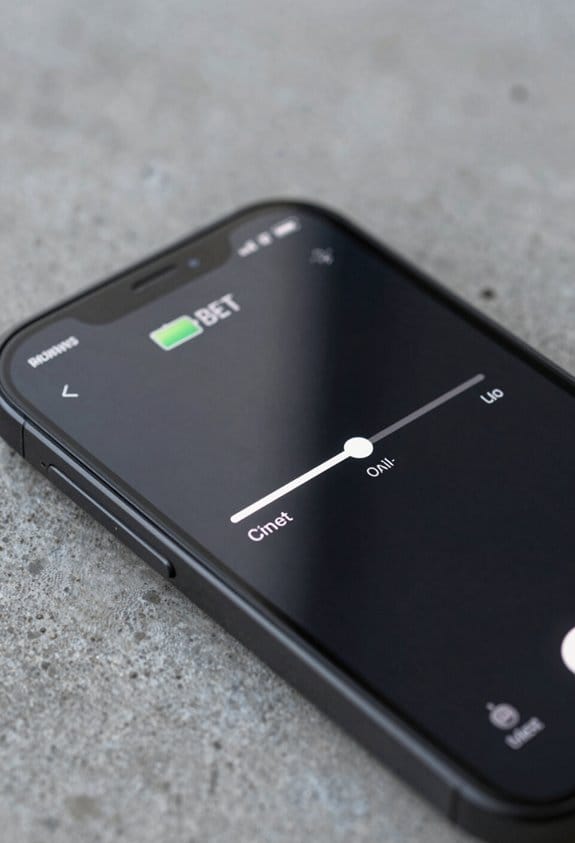
Reducing your phone’s screen brightness might sound a bit basic, but trust me—it’s one of the best methods to save battery life. When you’re indoors, aim to keep that brightness at 75% or lower. It’s not just about making things look nice; it genuinely helps conserve energy.
Consider enabling automatic brightness. This feature lets your phone adjust the display based on the lighting around you. So, whether you’re in a bright café or a dimly lit room, your phone can strike a balance between what you can see and how much battery you’re using.
If your device has an OLED screen, here’s a cool tip: switch to dark themes. Darker pixels use less energy, which means better battery performance. Plus, don’t forget the screen timeout setting. The shorter it is, the less chance your battery will drain when you’re not actively using the phone.
Need more juice without a charger around? Following these simple steps can stretch your battery life, no external pack required. Just a few tweaks here and there can make a big difference. Keep these tips in mind, and you’ll find your phone lasts longer between those daily charges. Happy optimizing!
Additionally, ensuring an ergonomic fit in accessories like gloves can improve comfort and efficiency, minimizing energy waste during physically demanding tasks.
Turn Off Location Services and Wi-Fi Scanning to Save Battery
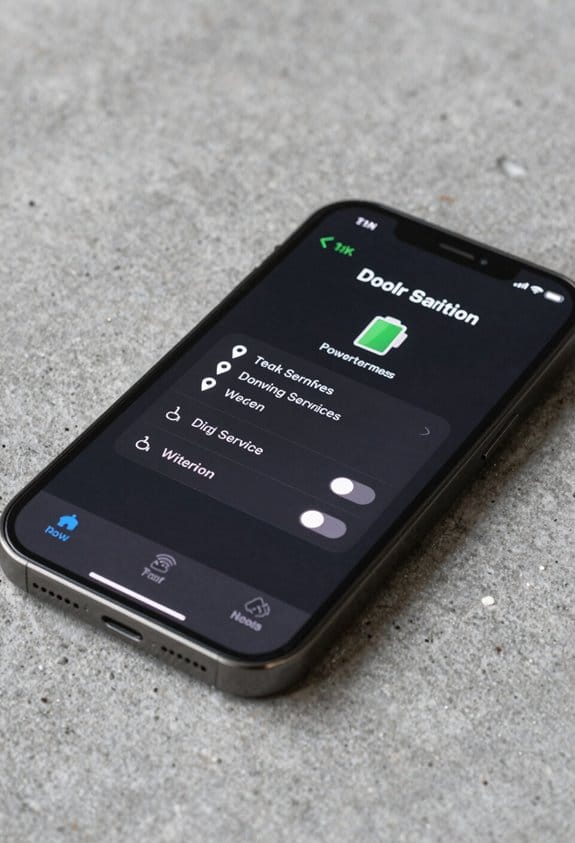
We all know the frustration of a phone battery that drains way too fast. One of the biggest culprits? Location services and Wi-Fi scanning. They can sneakily chomp away at your battery life, even when you’re not actively using them.
First off, let’s talk about location services. Most apps don’t need constant access to your GPS. Take a moment to review your apps and pull back permissions for those that don’t need to know where you are at all times. Here’s how:
- Open your phone’s settings.
- Look for “Location” or “Privacy.”
- Check which apps have access.
- Revoke permissions for any app that isn’t critical.
This way, you cut down on that battery drain and keep your phone running longer.
Now, let’s get into Wi-Fi scanning. You might be surprised, but even with Wi-Fi off, your phone can still be on the lookout for networks in the background. This feature isn’t necessary all the time, especially when you’re not in a hotspot-hunting mood.
To turn off Wi-Fi scanning:
- Go to your Wi-Fi settings.
- Find “Advanced” options or similar.
- Switch off Wi-Fi scanning.
By doing this, you avoid that hidden battery drain that so many people overlook.
Additionally, optimizing your phone’s power consumption is crucial, much like how delivery drivers prioritize lightweight design in their shoes to reduce fatigue during long shifts.
Make it a habit to check these settings regularly. Every little change counts. You’ll thank yourself the next time your phone lasts longer throughout the day. Taking back control over your phone’s power consumption can really make a difference. So, go ahead and optimize your battery life today!
Use Battery Saver Mode and Manage Background Apps
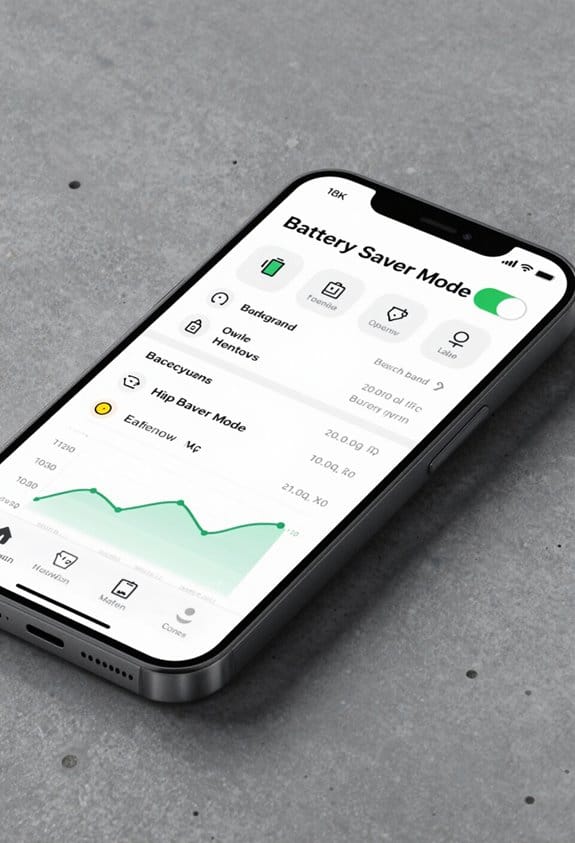
Running low on battery is a common headache we all face. When that warning hits at 15%, activating Battery Saver Mode can be a lifesaver. It works wonders by cutting down on background app activity, dimming your screen, and throttling the processor speed. Trust me, these small tweaks can really stretch your device’s battery life.
Managing background apps is key. Here’s how to do it:
- Regularly check your app settings.
- Restrict which apps are permitted to run in the background.
- This stops battery drain from apps you aren’t even using.
Let’s not forget about those power-hungry features. You might be surprised how much juice they suck up. Turn off push notifications and switch off location services for apps that don’t need them. Every bit helps!
Also, download content when you’re on Wi-Fi. It’s better for your battery. And during active use, limit how apps connect to the internet.
All these tips, when combined with Battery Saver Mode, can help you manage your energy use effectively. You’ll be grateful when your phone lasts longer during those critical moments. Keeping your battery healthy shouldn’t mean sacrificing the features you love. Keep these strategies in your back pocket, and stay powered up!
Consider using repair tapes with strong adhesive properties for quick fixes on charging cables or battery cases to prolong device use without interruptions.
Charge Your Phone the Right Way to Protect Battery Life
Ever notice how your phone’s battery seems to drain faster than you want it to? You’re not alone. Many of us are dealing with the same frustration. The secret to extending your phone’s battery life isn’t just about apps or settings; it’s largely about how you charge it. Let’s break it down.
- Charge your phone when it’s between 50% and 80%. Avoid going for that full 100% every time.
- Unplug your device once it hits the max charge. Keeping it plugged in not only wastes energy, but it can also be tough on your battery.
- Short, frequent charging sessions are better! Think quick power-ups rather than marathon charging. This helps prevent heat buildup, which can be damaging over time.
- Be mindful of temperatures. Your phone prefers a cozy spot between 62 °F and 72 °F while charging. Extreme heat or cold can hurt battery health.
- If your phone has optimized charging features, use them! These smart settings can really help slow down battery wear.
Additionally, just like battery safety features in fuel storage prevent damage under hazardous conditions, proper charging practices protect your phone’s battery health.
Following these tips isn’t just a good idea; it can make a noticeable difference in how long your phone stays reliable. Take care of your battery now, and you might just delay that much-dreaded trip to the store for a new phone. Keep charging smart!
Keep Your Phone Clean and Updated for Better Battery Health
Keeping your phone clean and updated can seem like a hassle, but trust me, it’s essential for your battery health. We all know that feeling when our phones start acting sluggish. A little maintenance goes a long way!
Start by giving your phone some TLC. Dust and grime can accumulate on the screen and in the charging port, causing inefficiencies and even potential harm. Here’s how you can keep it clean:
- Use a soft cloth to wipe the screen.
- For the charging port, gently remove debris with a toothpick or a soft brush.
- Stick to mild cleaning solutions—nothing harsh!
Now, let’s talk software. Keeping your phone’s software up to date is crucial. You might think passing on those updates is no big deal, but here’s why they matter:
- They often come packed with battery-saving enhancements.
- Security fixes keep your phone safe from vulnerabilities.
- Updated systems usually run smoother and faster.
Now, consider decluttering your device. Removing unused apps and old photos not only frees up storage space but also lessens the background activity that saps your battery.
- Go through your apps—if you haven’t used it in a while, it might be time to hit “delete.”
- Organize your photos and keep only the ones that matter.
To wrap it all up, a little effort in cleaning and updating can lead to a significant boost in your phone’s performance and longevity. So, give your device some love, and you’ll be rewarded with better battery life. Trust me, your phone will thank you! Additionally, just like selecting comfortable designs in protective gear can improve experience, ensuring your phone stays clutter-free and optimized enhances overall efficiency.
Frequently Asked Questions
How to Make Your Phone’s Battery Life Last Longer?
To make our phone’s battery last longer, let’s manage background apps, lower screen brightness, enable power saving, update software regularly, practice smart charging, and maintain battery health—avoiding battery draining habits through good app management and usage.
Does Charging Your Phone to Just 80% Really Make It Last Longer?
Yes, charging to 80% helps us preserve battery charging health by reducing stress on lithium-ion technology and heat, improving battery cycles. Adjusting charging habits and avoiding full discharge or overnight charging supports power saving features and heat management.
What Is the 80 20 Battery Rule?
Like walking a tightrope, the 80/20 battery rule advises we keep our lithium-ion batteries between 20% and 80%. This smart smartphone charging habit improves battery health, aided by battery optimization tips, power-saving modes, and brightness adjustment methods.
How to Maximize Phone Battery Longevity?
To maximize battery longevity, we should follow battery maintenance tips like managing charging frequency habits, controlling screen brightness, using power saving modes, managing background apps, monitoring temperature impacts, using battery health apps, and performing regular battery calibration processes.


